
Contacts
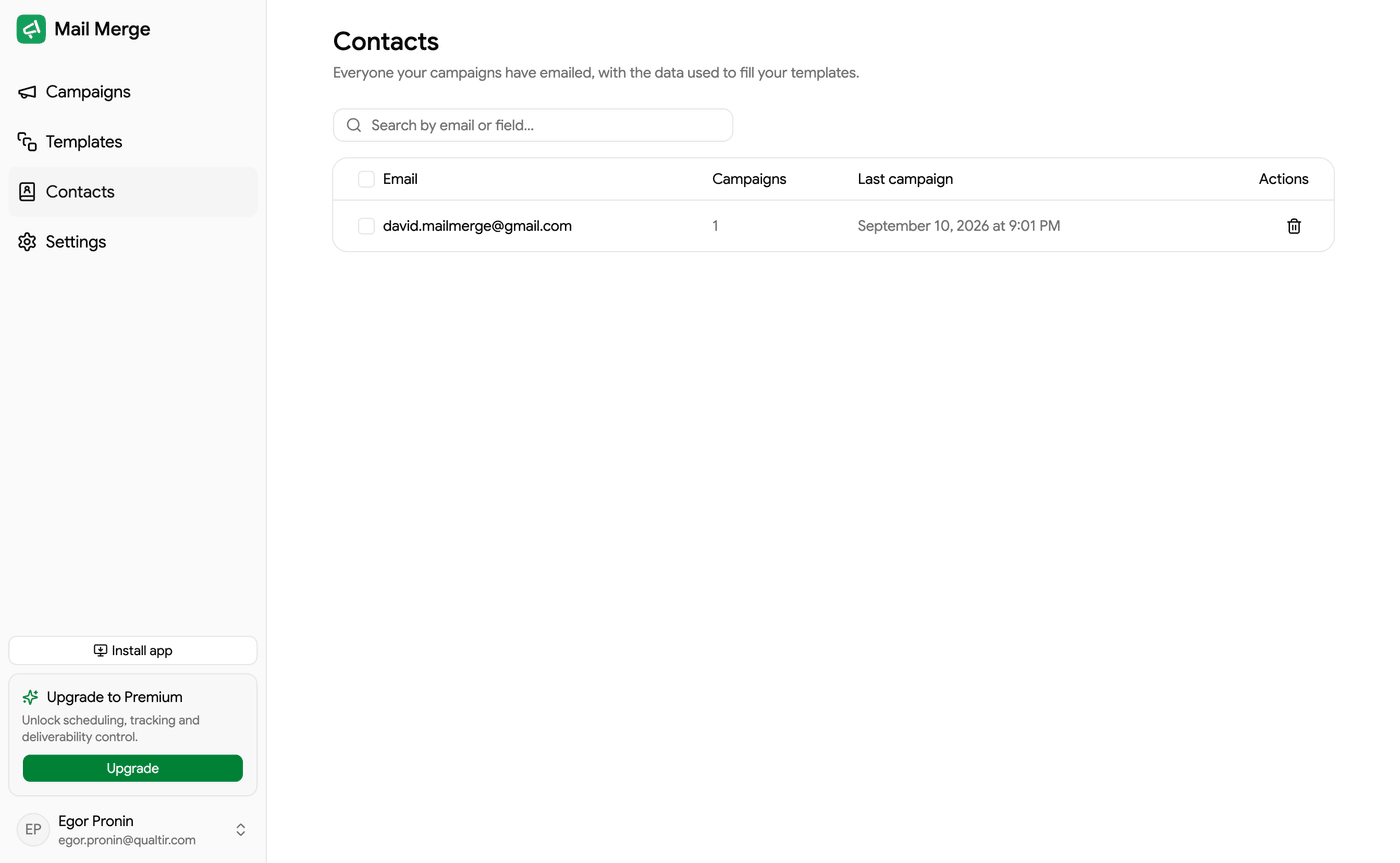
The Contacts screen is your contact book. Every recipient of every campaign is saved here automatically, together with the data that filled the merge tags, so you can reuse them in the campaign builder without going back to a spreadsheet.
The contact list
Section titled “The contact list”| Column | What it shows |
|---|---|
| The address, with an Unsubscribed or Blocked badge when it applies. | |
| Campaigns | How many of your campaigns have included this contact. |
| Last campaign | When this contact was last emailed. |
The search box matches the email address and every saved field value. Clicking a row opens the contact; hovering it reveals a Delete contact button. The list loads more rows as you scroll.
The sidebar on the left filters the book:
- All: everyone.
- Unsubscribers: contacts who clicked an unsubscribe link. New campaigns skip them automatically.
- Blocklist: contacts you blocked yourself. New campaigns skip them too.
- Your lists: the contact lists you created.
Contact details
Section titled “Contact details”Click a contact to see when it was last emailed, its merge fields (the column values saved from your sheets and files) and the campaigns it was part of, each a link to the campaign.
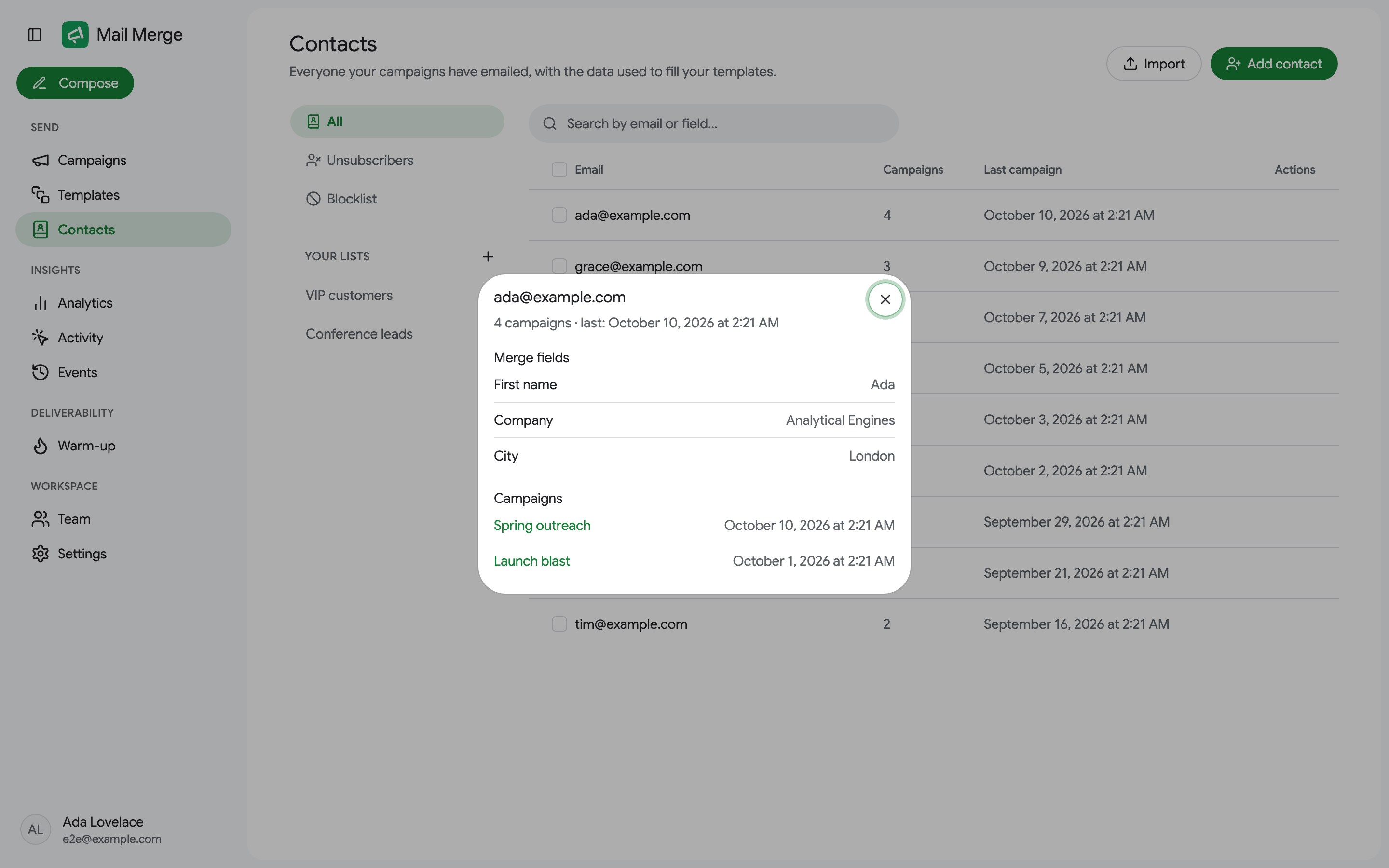
An unsubscribed or blocked contact says so at the top, with the date.
Adding and importing contacts
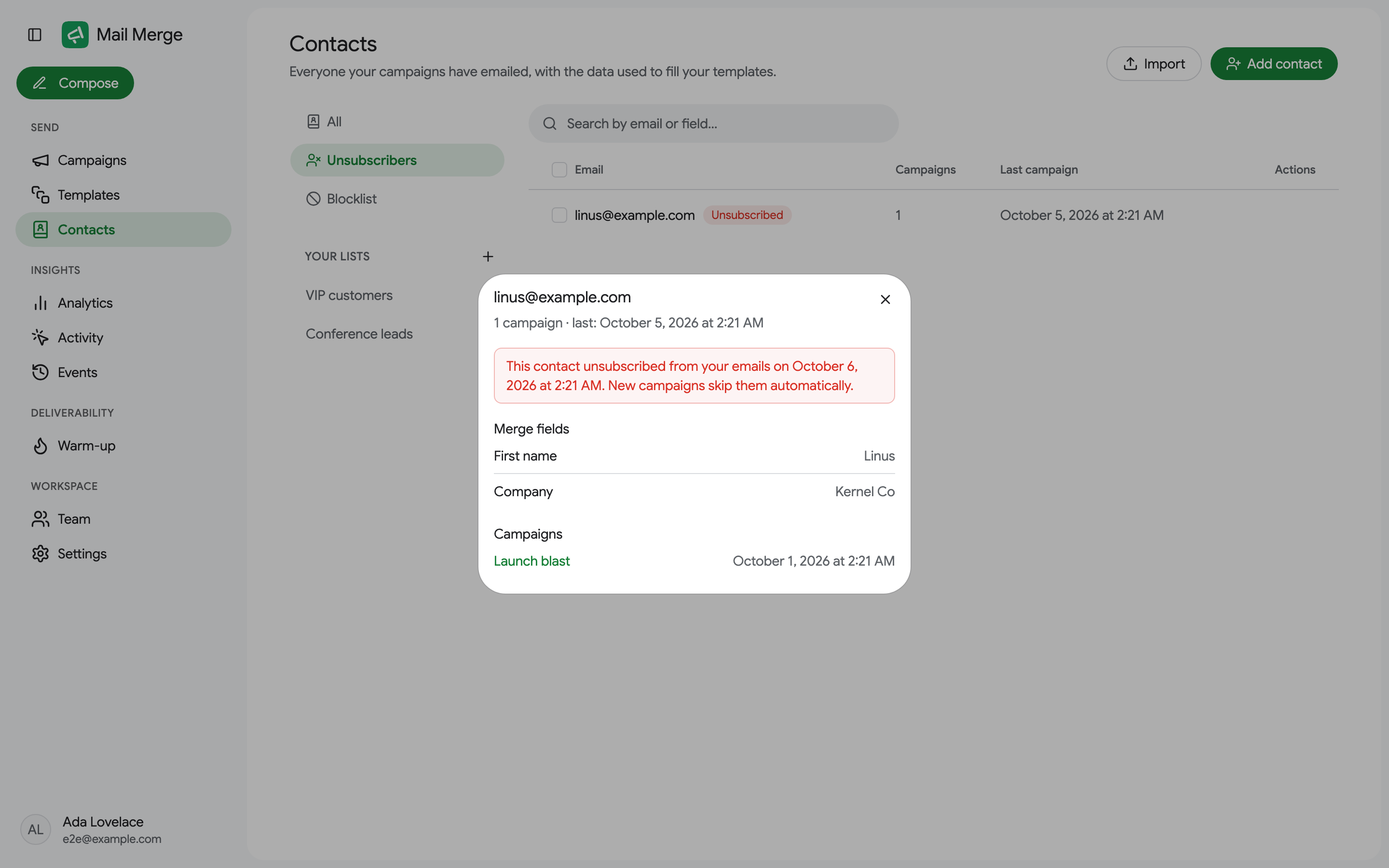
Section titled “Adding and importing contacts”Contacts are created automatically when you send, but you can also add them by hand:
- Add contact creates one contact with an email address and any merge fields you want.
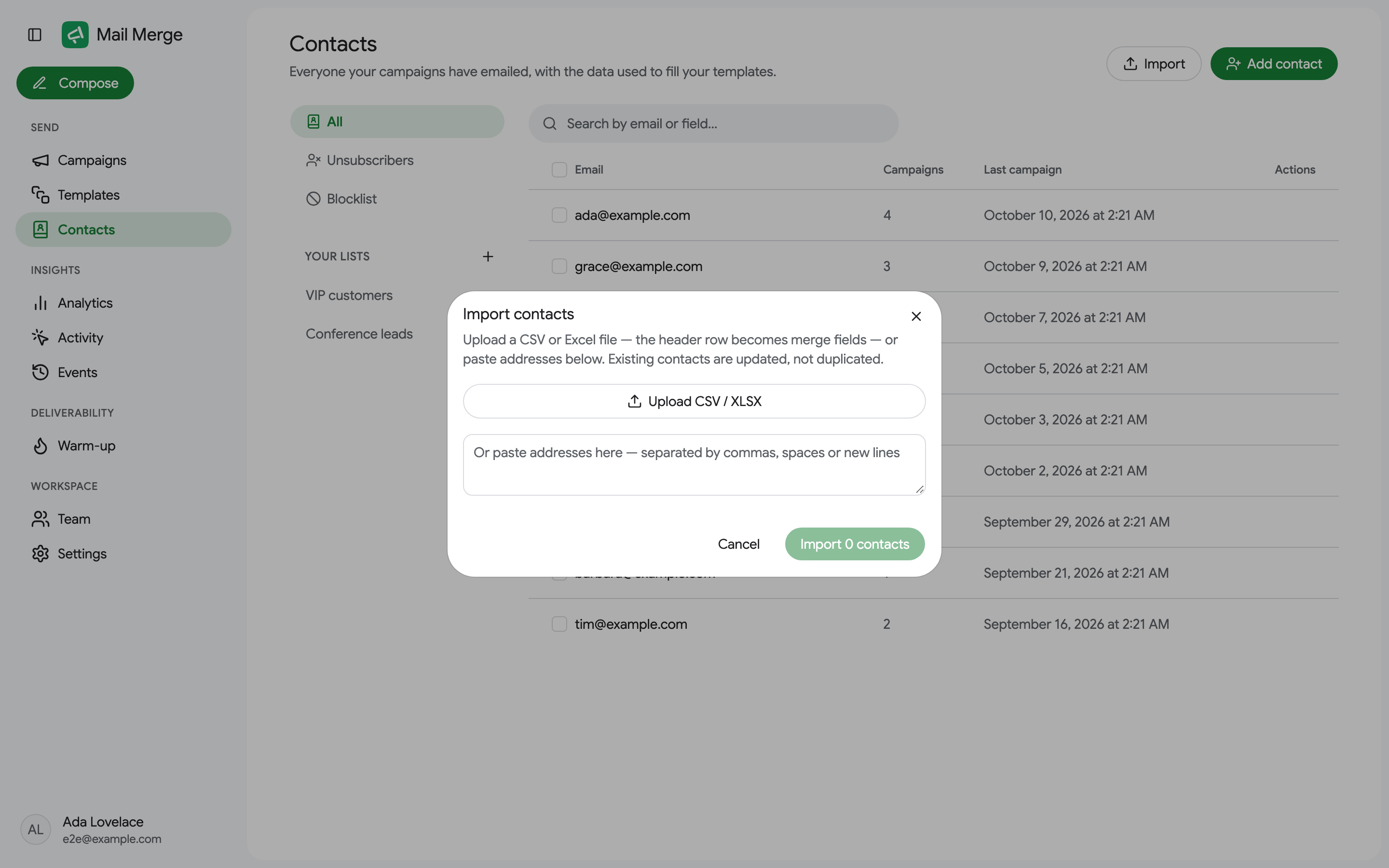
- Import takes a CSV or XLSX file, or a pasted list of addresses separated by commas, spaces or new lines.
Selecting contacts and bulk actions
Section titled “Selecting contacts and bulk actions”Tick the checkboxes (or Select all) to act on several contacts at once. A toolbar replaces the search box with:
- Add to list and, on a list tab, Remove from list.
- Block, or Unblock on the Blocklist tab.
- Delete, which removes the contacts from the book only; past campaigns are unaffected.
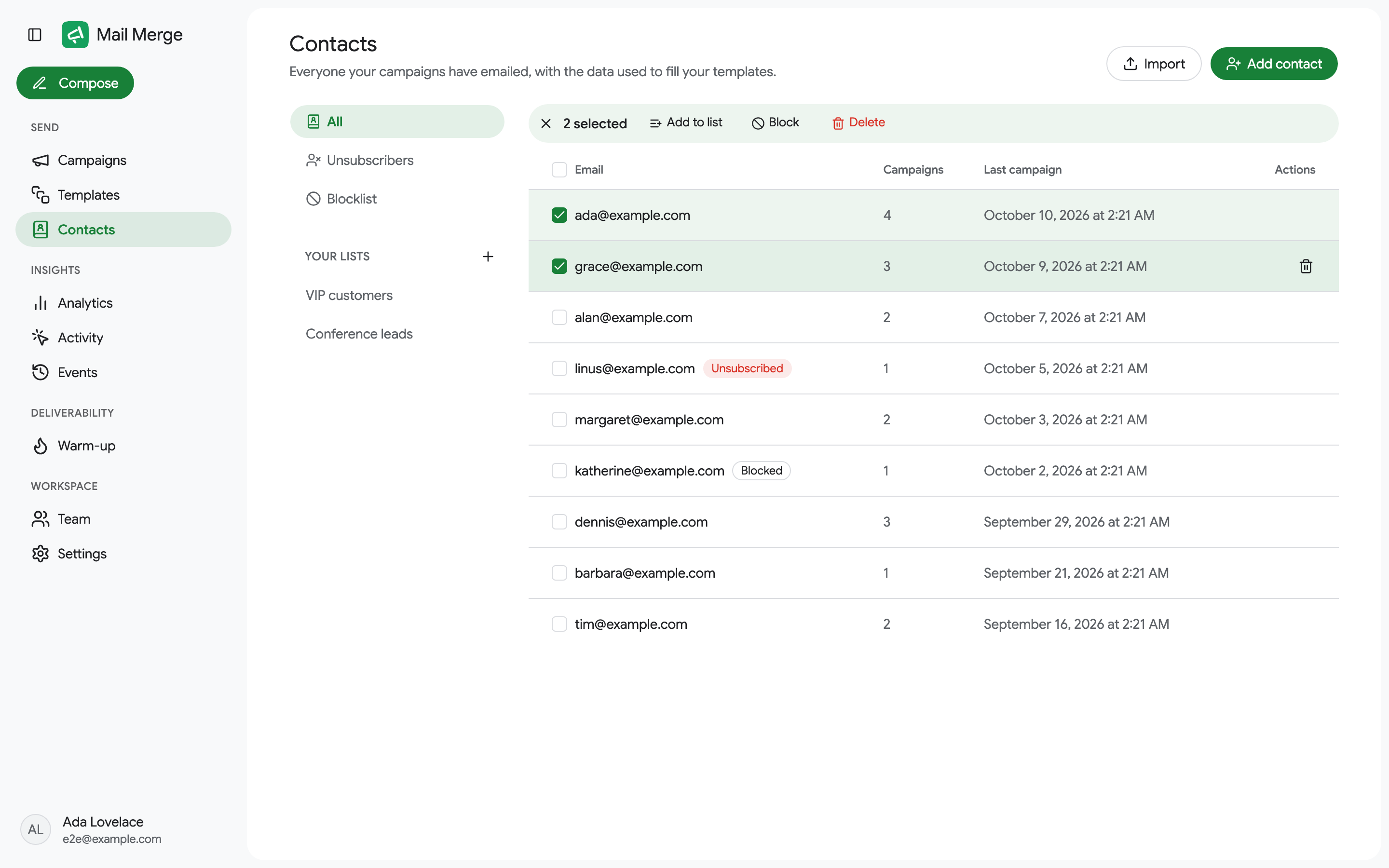
Blocking, unblocking, adding to a list and removing from a list can be undone from the confirmation toast.
Contact lists
Section titled “Contact lists”Lists group contacts so you can reuse them quickly, for example VIP customers or Conference leads. Create one with the + next to Your lists, give it a name, then add contacts to it from the selection toolbar. In the campaign builder, lists appear as filters of the Contact book source.
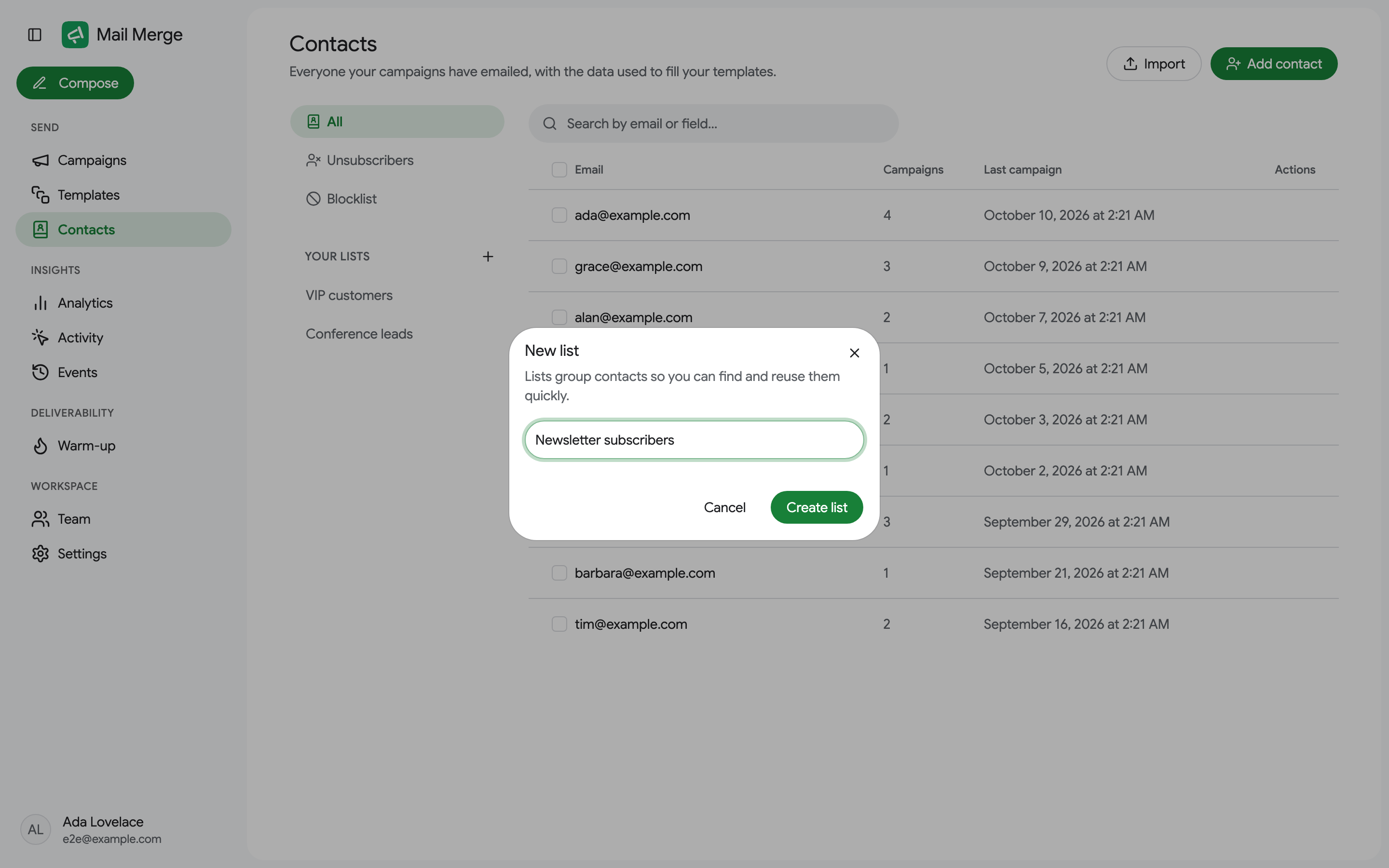

The ⋮ menu next to a list renames or deletes it. Deleting a list keeps the contacts in your book.
On the Free plan you can have 1 contact list; the Personal and Professional plans have no limit. A list you already have is never removed, and the + shows an upgrade prompt at the cap until you delete the list or upgrade. See Pricing & subscription.
Blocklist
Section titled “Blocklist”Block a contact to keep it out of every future campaign, whatever source the campaign comes from: the row in your sheet is marked Unsubscribed with a note, and the email is not sent. Unblock from the Blocklist tab.
