
Cancel your subscription & refunds
You can cancel at any time, in two clicks, without writing to us. This page also explains what a cancellation changes, when a refund is possible, and how to find the account behind a charge you do not recognize.
Cancel your subscription
Section titled “Cancel your subscription”- Open the web app at merge.email/app (or Extensions → Mail Merge for Gmail → 💳 Billing in Google Sheets) and sign in with the Google account that pays for the subscription.
- Open the Pricing page: Upgrade or Billing in the account menu at the bottom of the sidebar both lead there.
- Under the Free plan, click Downgrade to Free and confirm.
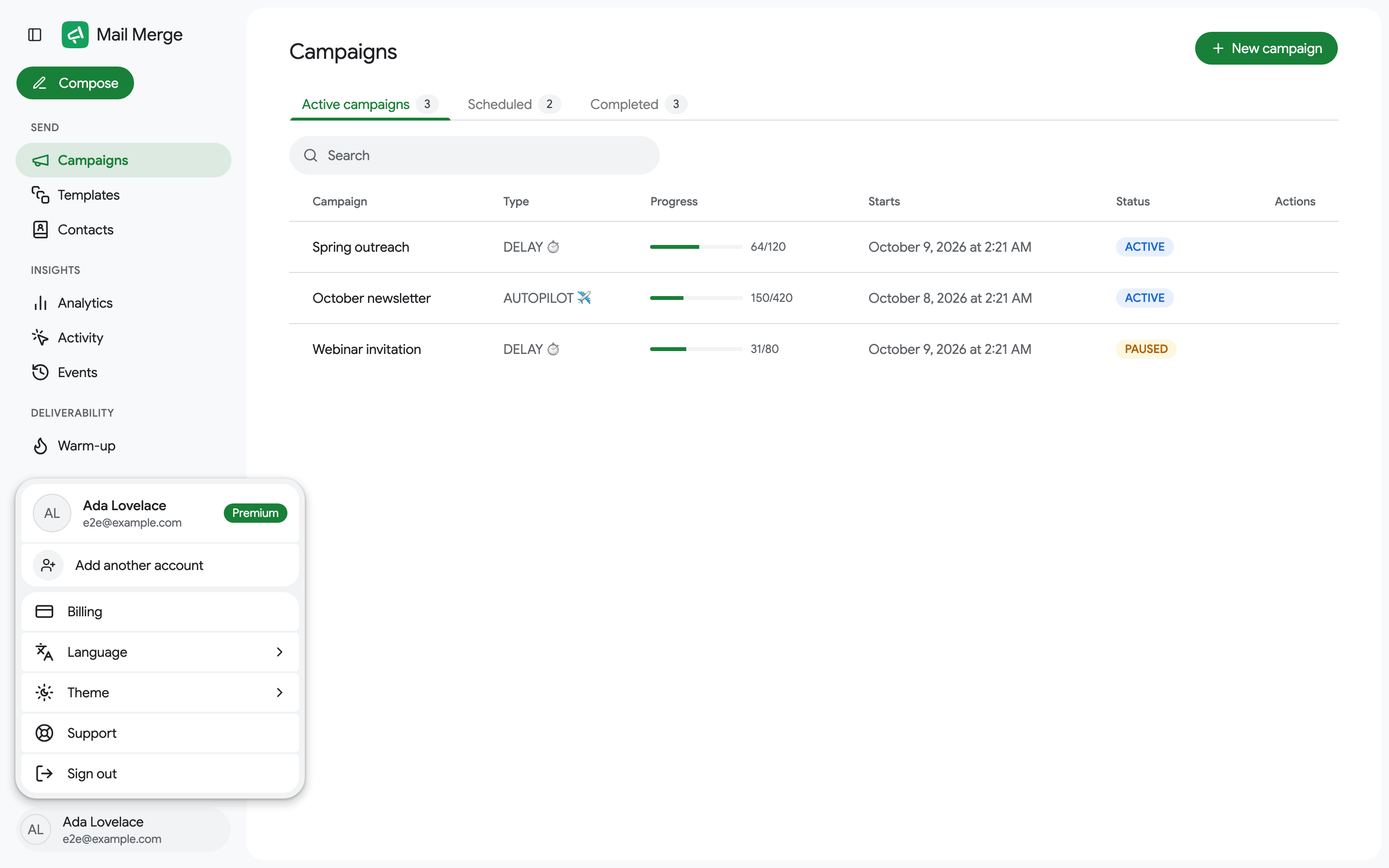
The same thing can be done from the Stripe billing portal: Billing in the account menu opens it, and Cancel plan there has the same effect.
After cancelling, the Free card reads Cancels at period end. You keep every paid feature until the last day you have paid for, and you are not charged again.
What changes after a cancellation
Section titled “What changes after a cancellation”- Until the end of the paid period: nothing. Scheduled and Autopilot campaigns keep running.
- After it: the account returns to the Free plan limits (50 emails per day, Mail Merge footer in your emails, no scheduling, Autopilot, analytics or warm-up). Your campaigns, templates and contacts stay in the account.
- Campaign history is kept for 3 days on the Free plan, so export anything you need from Campaigns before the period ends.
There is no way to pause a subscription. Cancel it and subscribe again when you need it.
Refund policy
Section titled “Refund policy”A charge can be refunded in full within 30 days of the payment. Write to contact@merge.email from the Google account that owns the subscription, and say which charge you mean. Refunds reach your card within 5 to 10 business days, depending on your bank.
Charges older than 30 days are not refunded, including renewals you did not notice: cancel before the next renewal date, which is shown in the billing portal.
If something did not work, tell us: most problems are fixed quickly, and you can always ask for the refund afterwards.
“I see a MERGE.EMAIL charge and don’t know which account it is”
Section titled ““I see a MERGE.EMAIL charge and don’t know which account it is””The charge appears on your statement as MERGE.EMAIL (older ones as GSUITE MAILMERGE). It always belongs to a Google account that subscribed on the pricing page, often one you no longer use, a colleague’s, or a family member’s.
To find and cancel it, send to contact@merge.email:
- the date and amount of the charge, and the currency,
- the last four digits of the card,
- every Google address that might have been used, and the company domain if any,
- the invoice number, if the charge email from Stripe is still in an inbox.
For security, we only cancel or refund when the request comes from the account’s own address or from the same company domain. If you have lost access to that address entirely, the card details above let us find the subscription and confirm you are the cardholder.
“I was charged after I cancelled”
Section titled ““I was charged after I cancelled””Check these three cases before writing:
- Two subscriptions. Upgrading from a second browser or a second Google account can create a second subscription instead of changing the first. The billing portal lists every subscription of the account you are signed in with; another account may hold the other one.
- You uninstalled instead of cancelling. See the caution above. The subscription is still active and is still yours to cancel.
- The cancellation was scheduled, not immediate. “Cancels at period end” means the last charge you see is the one already paid, and no new one follows.
If none of them explains the charge, write to us with the details from the previous section and we will cancel and refund.
Change the plan instead of cancelling
Section titled “Change the plan instead of cancelling”To switch from yearly to monthly, or from Professional to Personal, use Change plan on the Pricing page. The difference is prorated. See Account & Billing.