
Web App
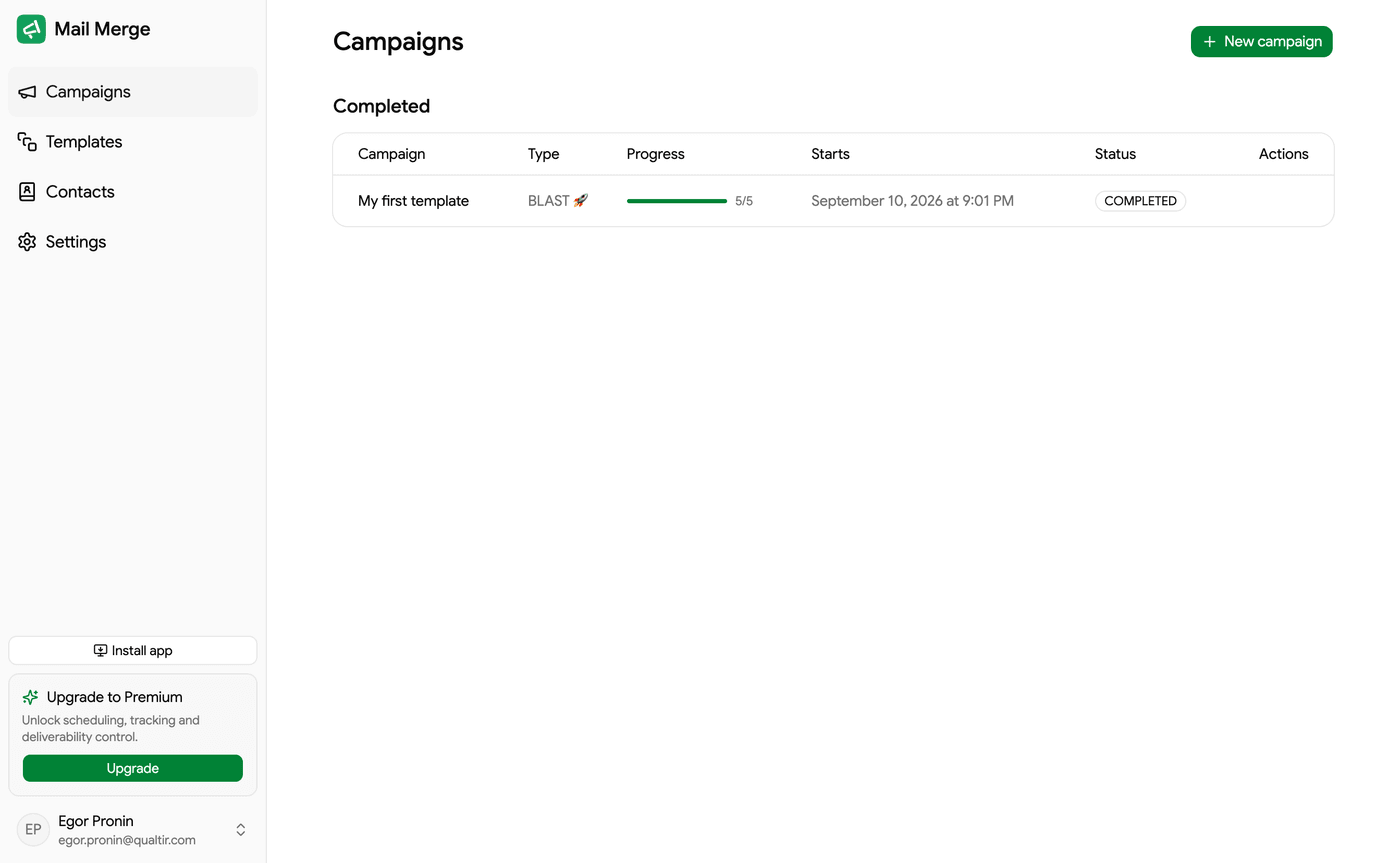
The Mail Merge web app lives at merge.email/app. It is the same application that opens inside Google Sheets and Gmail: every campaign you send from a spreadsheet shows up here, the templates you save here are available in the add-on, and your contacts, settings and subscription are shared. Sign in with the Google account you use in Google Sheets.
What you can do here
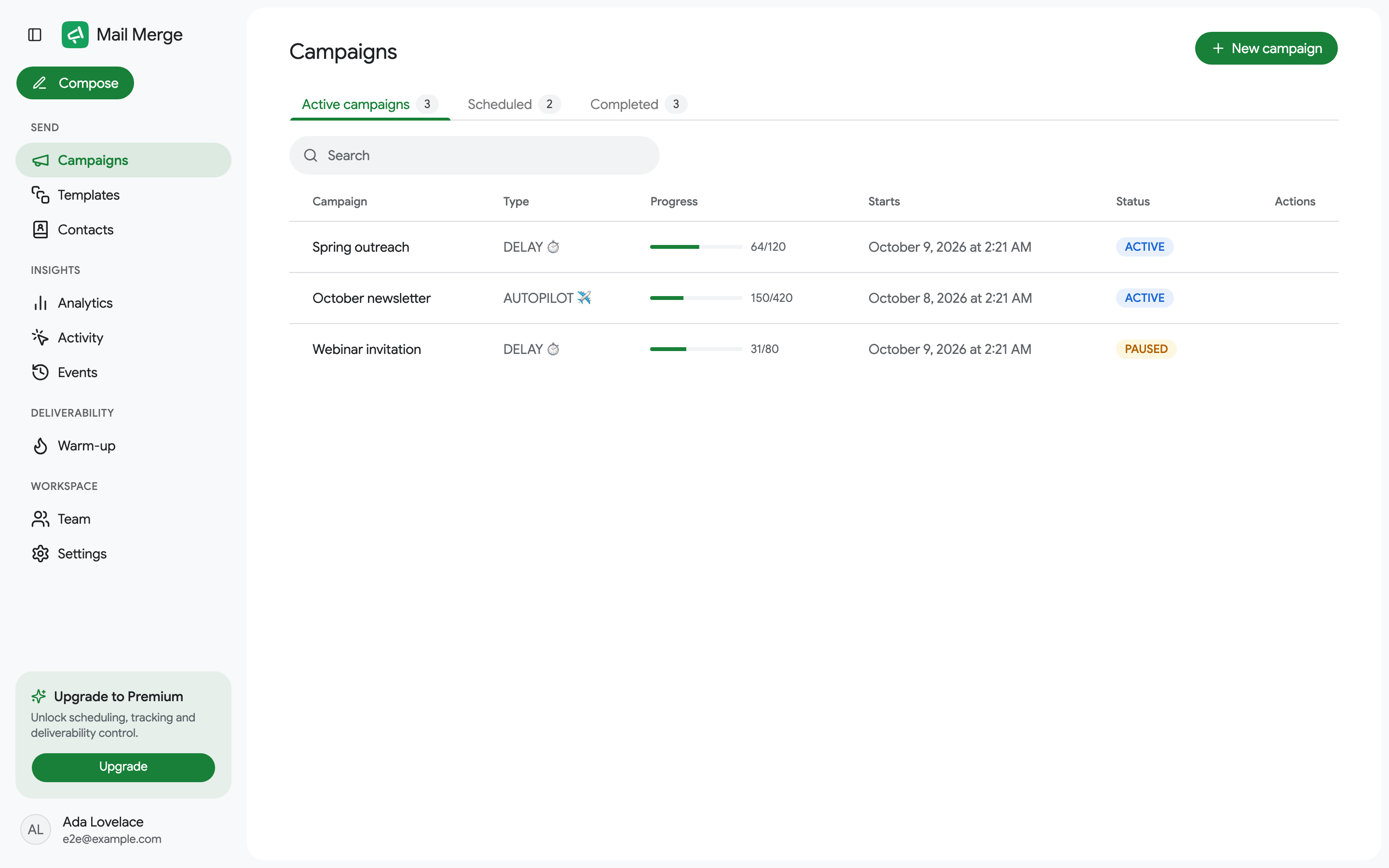
Section titled “What you can do here”The left sidebar is organized in four groups:
Send
- Campaigns: every campaign you have sent, with live progress, per-recipient statuses and a builder to send new ones from a Google Sheet, a CSV or Excel file, your contact book or a typed list of addresses.
- Templates: reusable emails, a template gallery, AI generation and Google Docs import.
- Contacts: everyone your campaigns have emailed, contact lists, unsubscribers and your blocklist.
Insights
- Analytics: sends, opens and clicks over time, open and click rates, top links, campaigns and contacts.
- Activity: who opened, clicked and unsubscribed, recipient by recipient.
- Events: the history of everything that happened on your account.
Deliverability
- Warm-up: build your sender reputation automatically, plus a free email reputation checker.
Workspace
- Team: buy seats and share your subscription with colleagues.
- Settings: sending speed, push notifications and connected AI agents.
- AI agents: connect Claude, ChatGPT, Cursor or any MCP client to Mail Merge and let it read your sheets, write templates and send campaigns for you.
The Compose button at the top of the sidebar opens the campaign builder from anywhere.
Signing in
Section titled “Signing in”Open merge.email/app and click Sign in with Google. Choose the account you use with Mail Merge in Google Sheets and grant the requested permissions. You land on the Campaigns screen.
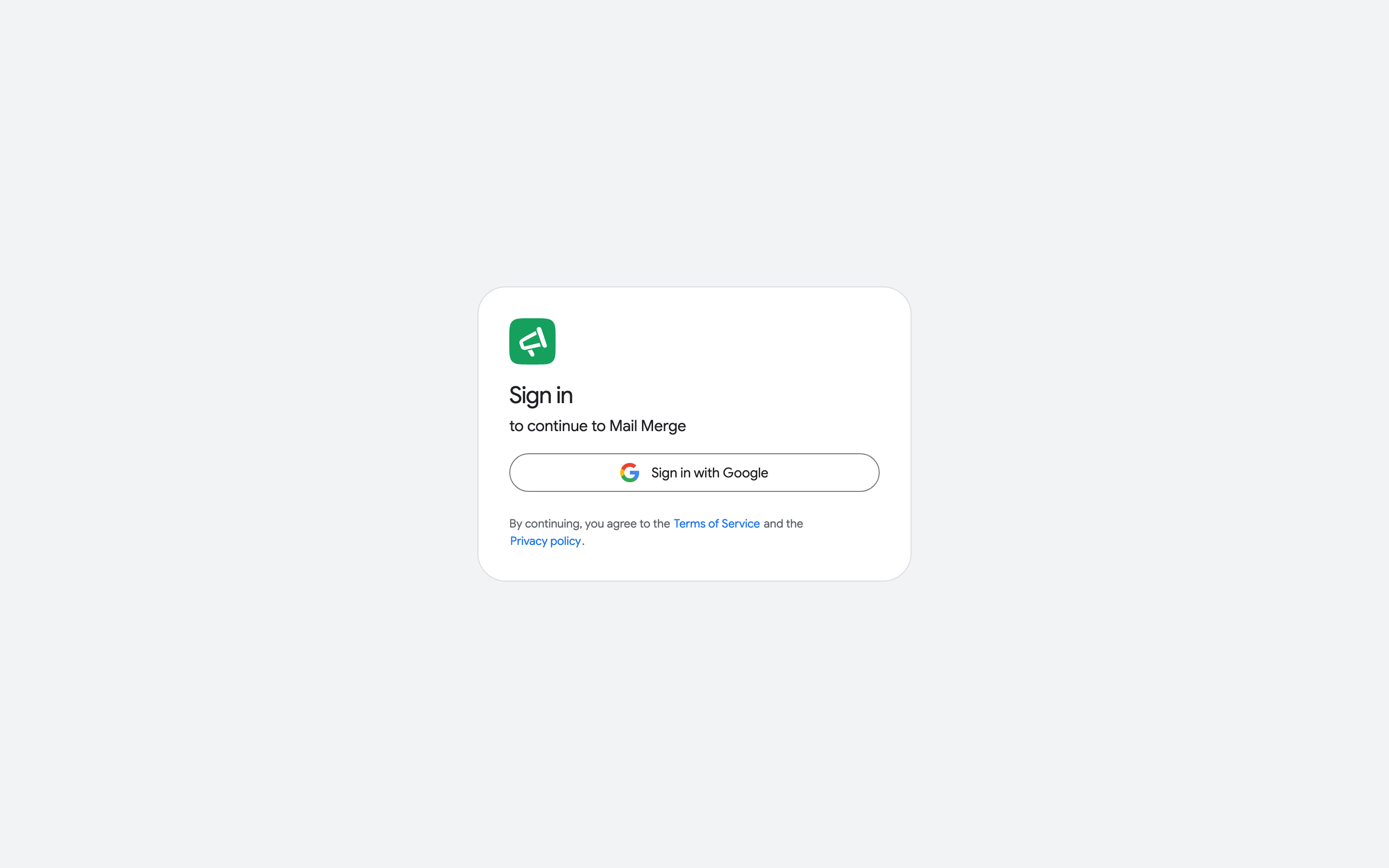
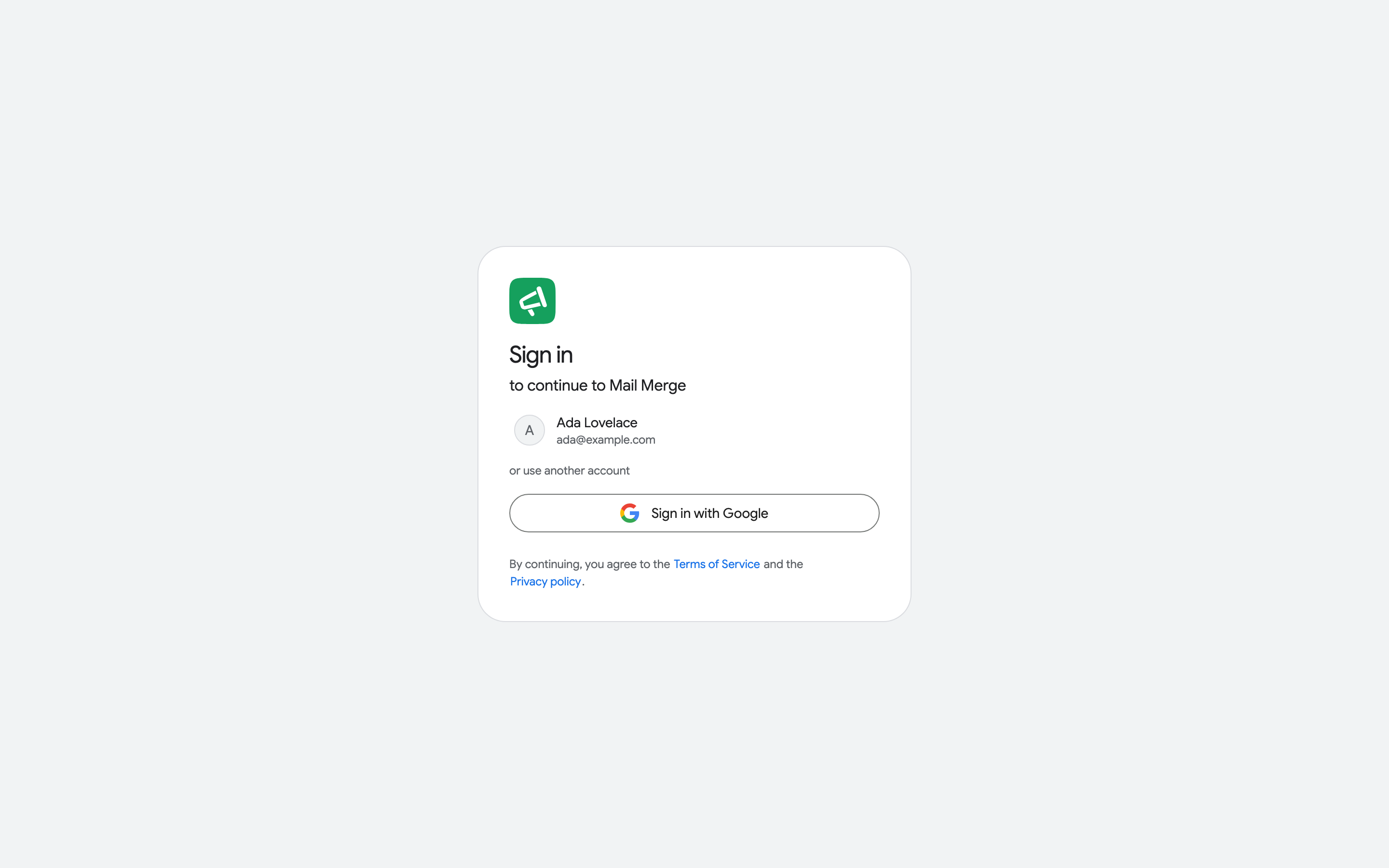
There is no separate password: your Google account is your Mail Merge account. Accounts you have signed in with before are offered as Continue shortcuts on the sign-in page.
The account menu
Section titled “The account menu”Click your name at the bottom of the sidebar to open the account menu.
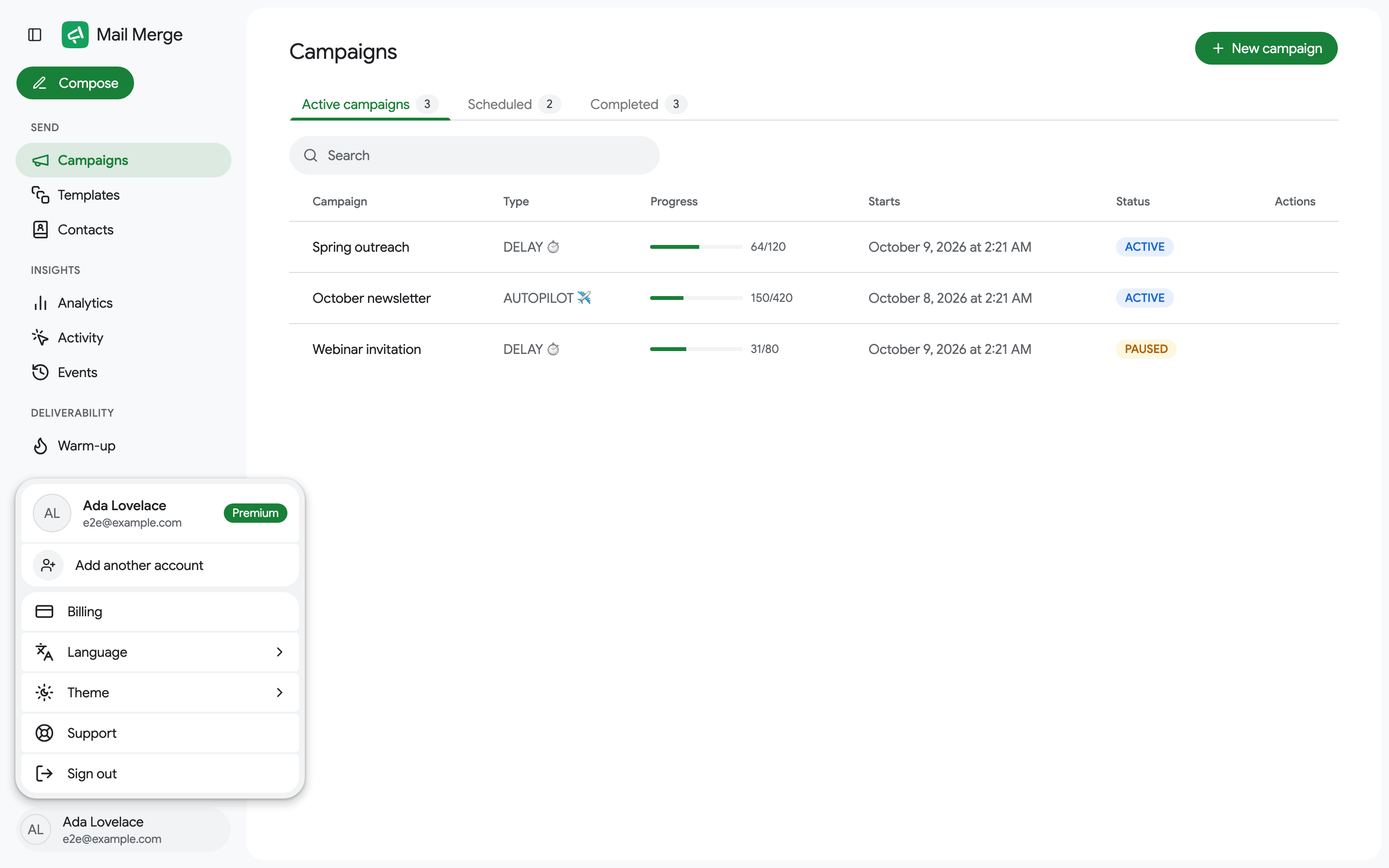
- The header shows your name, email and plan (Premium or Free plan).
- Add another account signs in a second Google account. Each account you add becomes a tile in this menu, and switching between them is instant. Signing out only removes the current account.
- Billing opens your subscription (invoices, payment method, plan changes). On the free plan, Upgrade opens the pricing page.
- Language switches the interface between the 12 supported languages. The app follows your browser language by default.
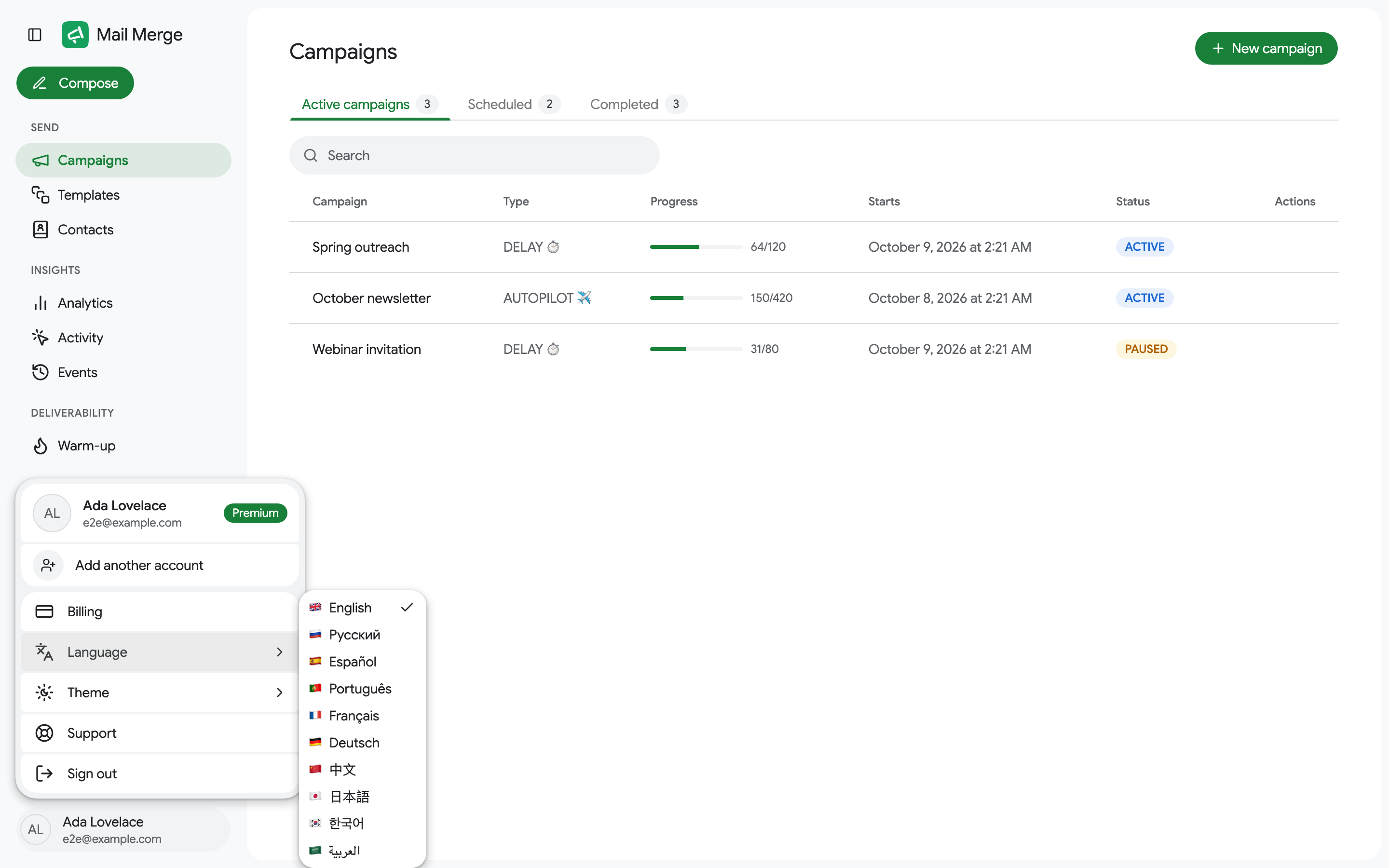
- Theme chooses Light, Dark or System.
- Sign out signs the current account out.
Free plan
Section titled “Free plan”On the free plan the sidebar shows an Upgrade to Premium card. Free accounts can use every screen and send right away with open tracking; the premium features (scheduling, click tracking, more than 3 templates or 1 contact list, analytics, recipient activity, deliverability control and push notifications on any paid plan; Autopilot, follow-ups and warm-up on Professional) show an upgrade prompt when you try them. See Pricing & subscription.
Reconnecting your Google account
Section titled “Reconnecting your Google account”Mail Merge sends through your Gmail account using a permission you granted at sign-in. If that permission is revoked (for example after a password change, or by removing the connection at myaccount.google.com/connections), a running campaign stops and Mail Merge emails you a link to the Reconnect page.
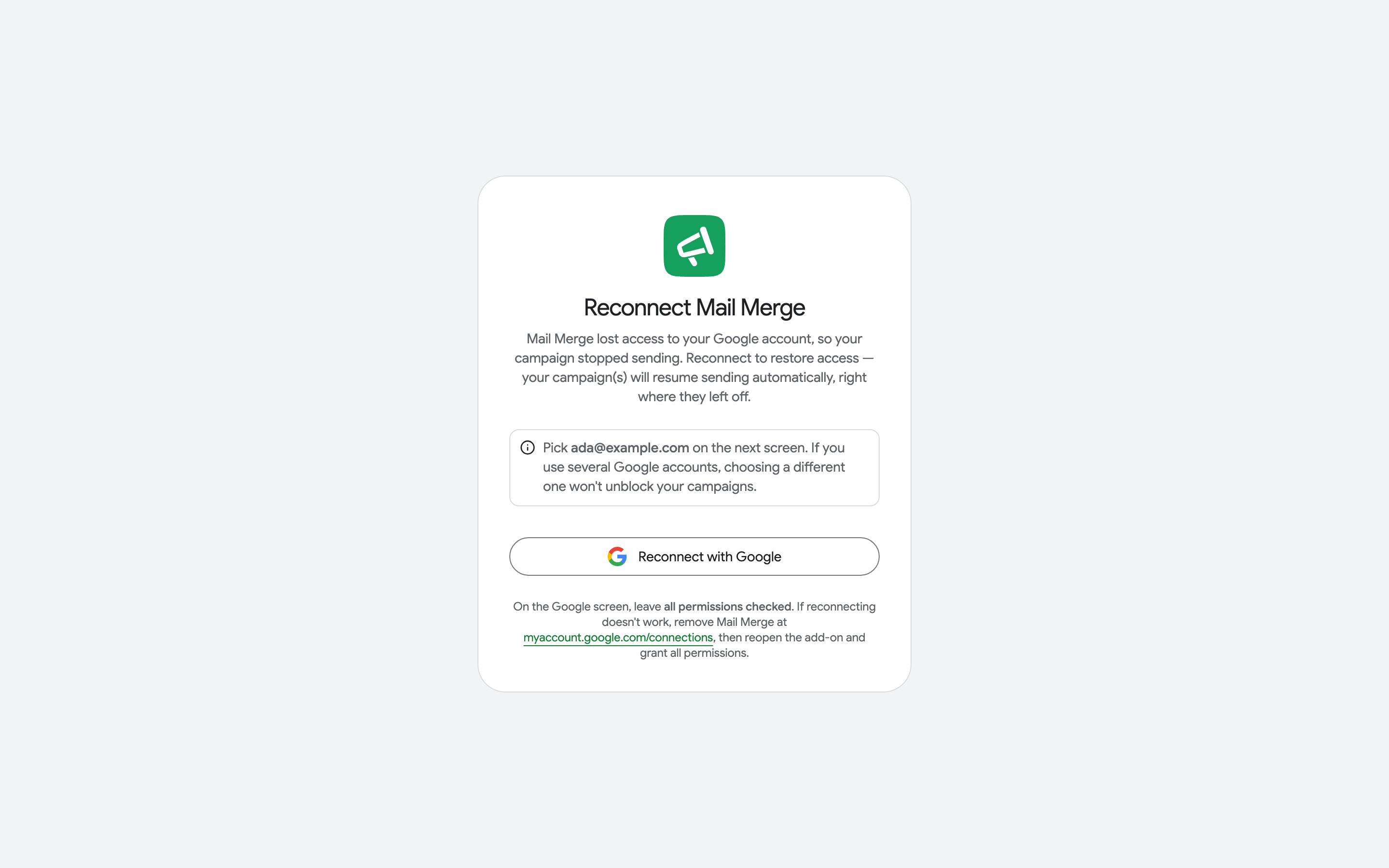
Click Reconnect with Google and pick the same account the page names. Campaigns that stopped resume on their own, right where they left off.