
Email throttling
Email throttling adds a pause between each email of a campaign. Sending 500 emails in a minute looks like a bulk blast to mailbox providers; sending them a few minutes apart looks like a person at work. Throttling draws less attention and keeps your account in good standing.
How it works
Section titled “How it works”With a 10-minute delay, a campaign of 6 emails takes an hour. The delay applies to every campaign you start after changing it, and runs in the background: you can close the spreadsheet and the browser.
The sending type of each campaign is visible in Campaigns: BLAST for no delay, DELAY for a throttled campaign.
Set the delay
Section titled “Set the delay”Open Settings, from the sidebar or via Extensions → Mail Merge for Gmail → ⚙️ Settings. The Sending speed card (the deliverability control of your account) offers three choices:
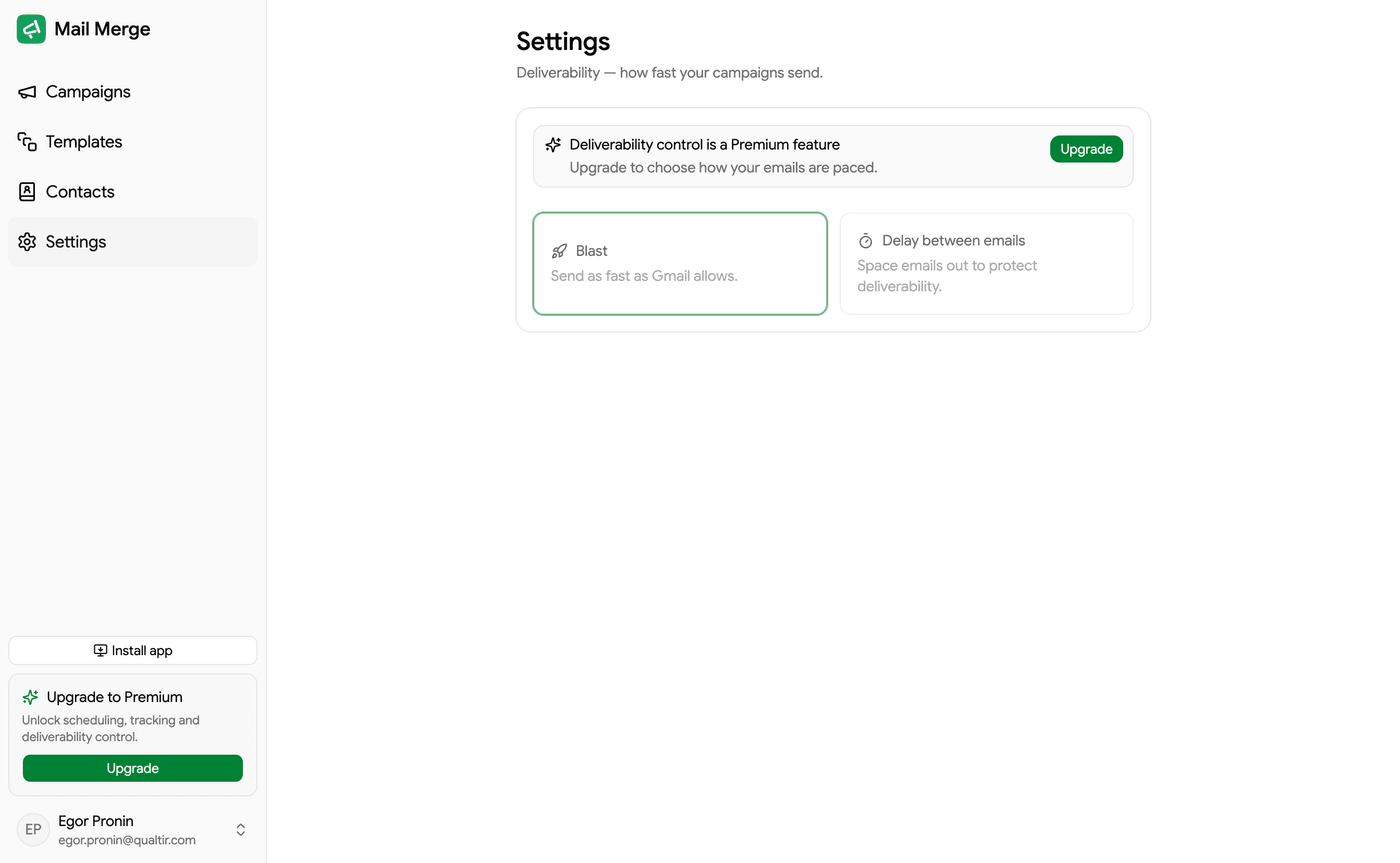
- As fast as possible: no delay beyond what Gmail itself imposes.
- Delay between emails: a fixed pause of 1 to 60 minutes.
- Random delay: a random pause between each email, within a range of 0 to 60 minutes. The most natural-looking pattern.
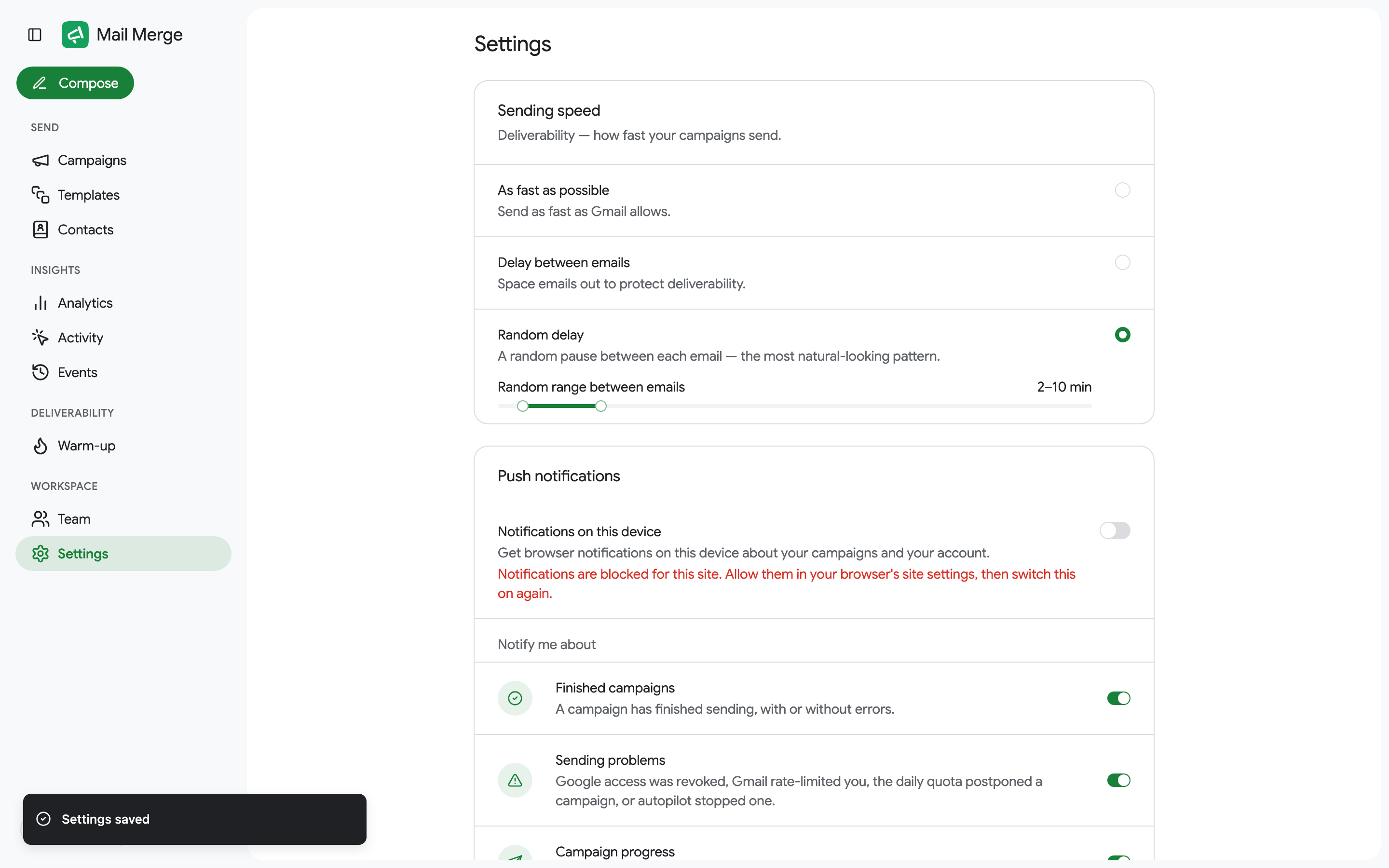
Changes save on their own.
Throttling an Autopilot campaign
Section titled “Throttling an Autopilot campaign”Autopilot campaigns have their own setting: untick Send as a blast in the Autopilot dialog and set the minutes between emails for that campaign. The account-wide speed does not apply to them.
For a slow, steady ramp of a brand-new address, see Email warm-up.